Windows
Offshift Studio
Turn a GPS session and your footage into a transparent overlay for your editor.
In development. A first build exists but is not yet released.
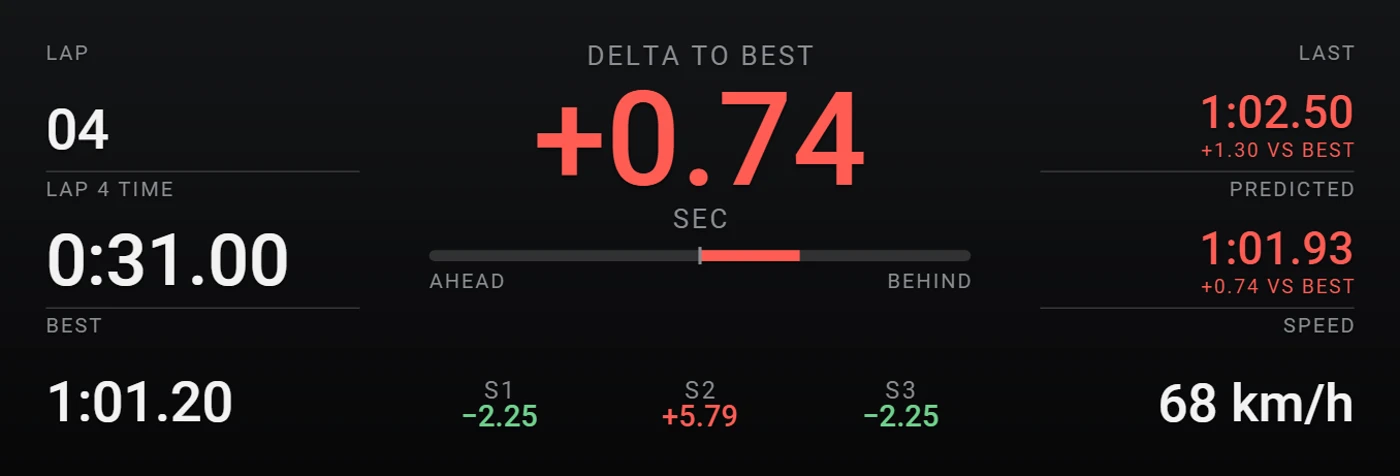
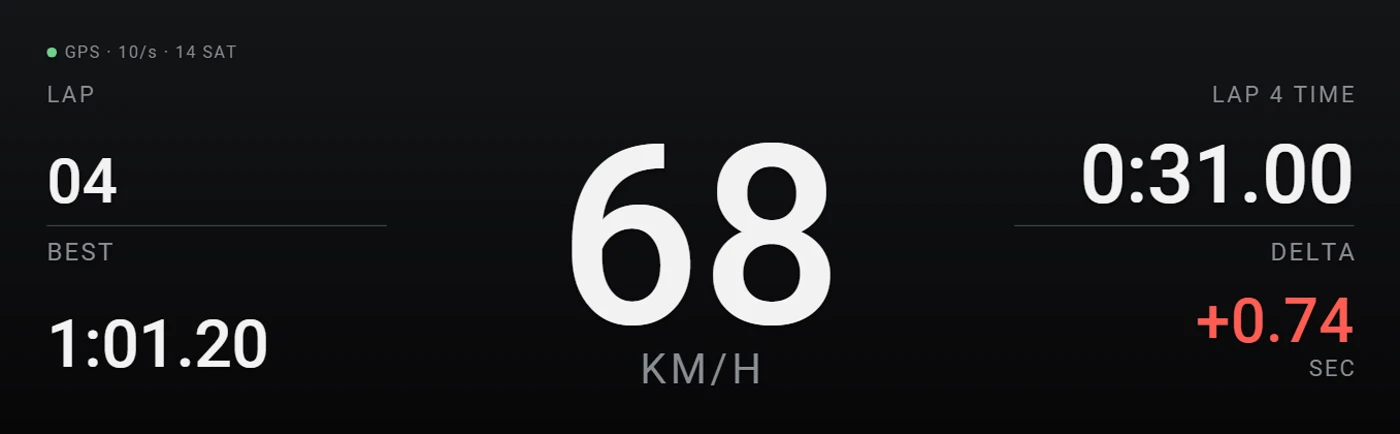
What it is
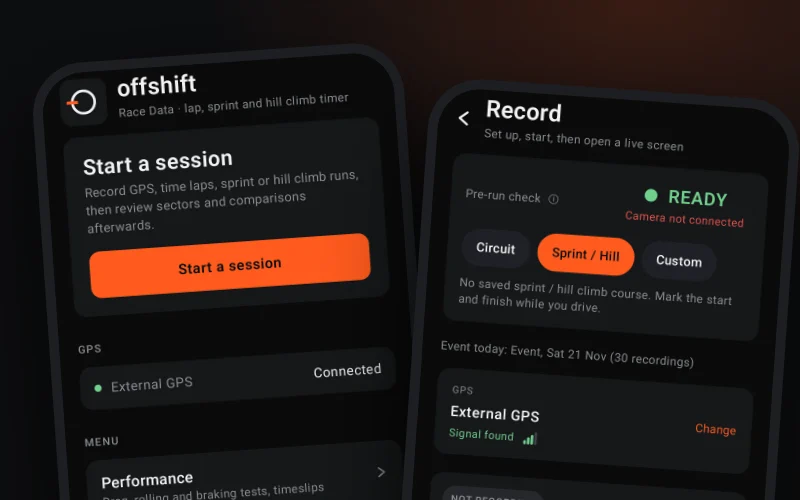
A Windows companion to Offshift Telemetry.
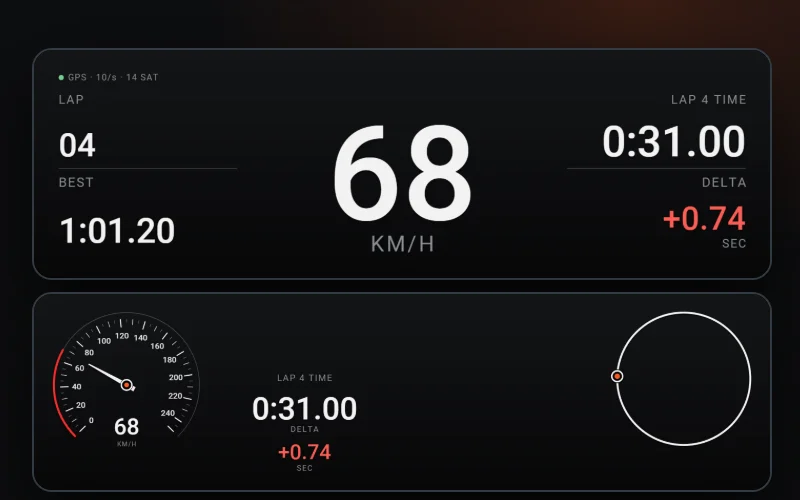
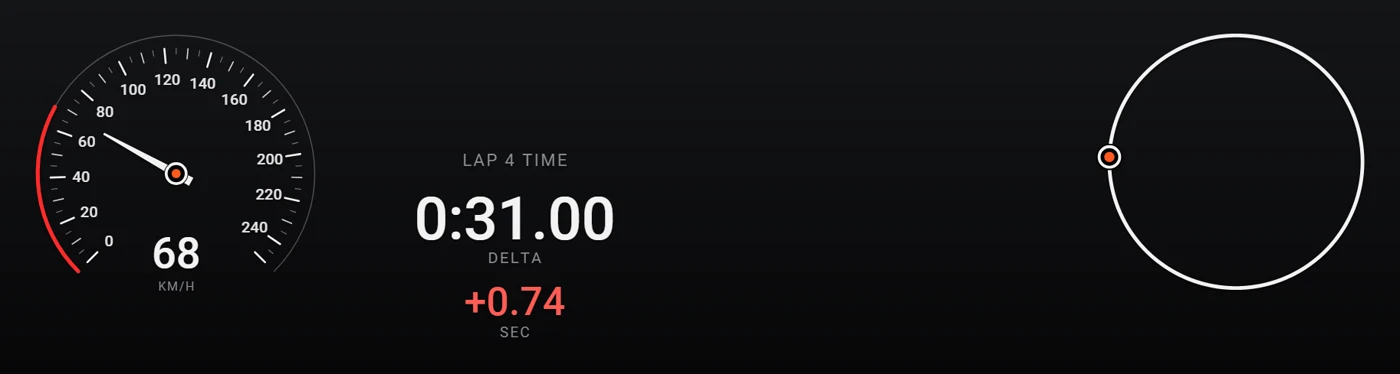
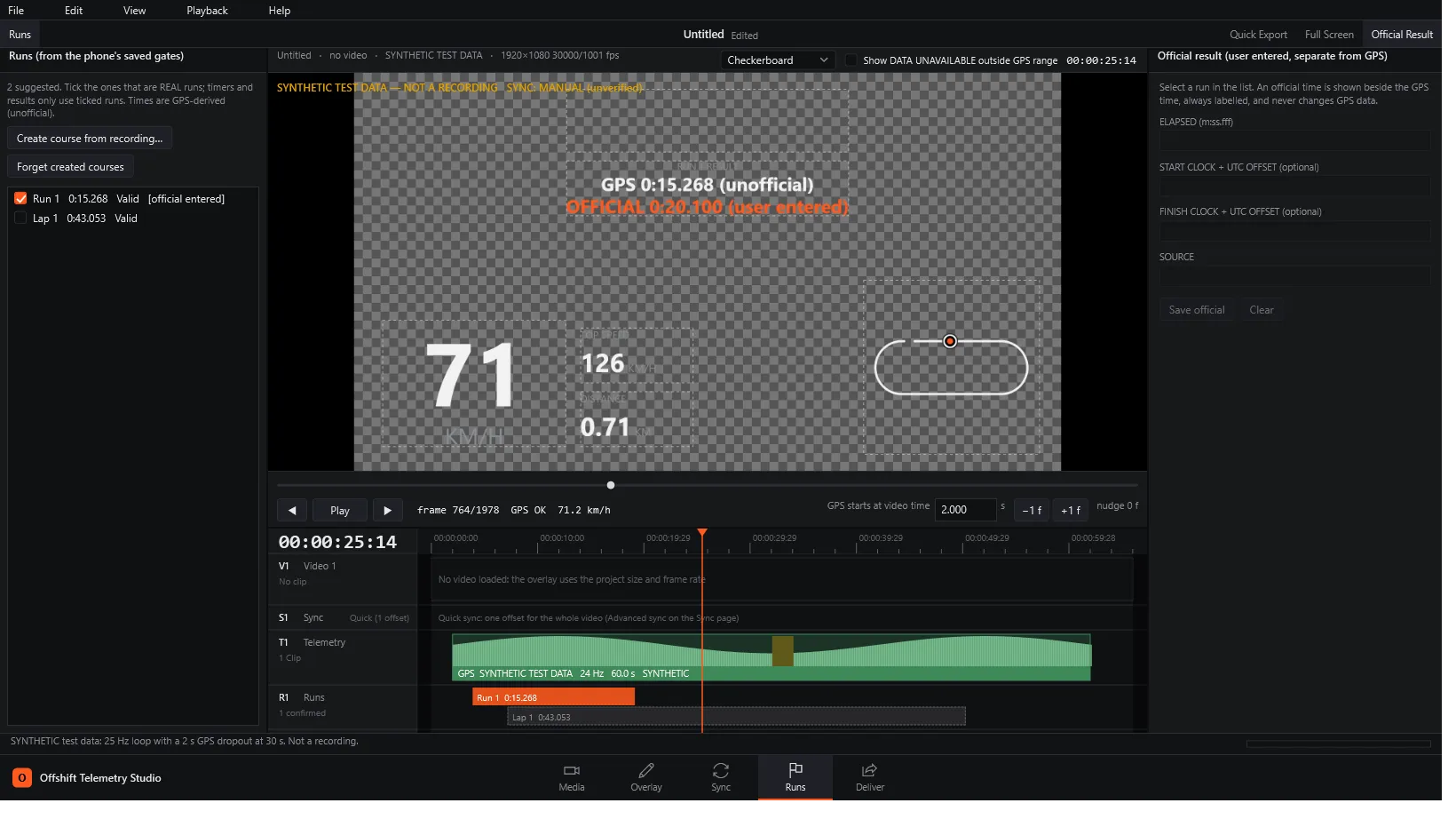
Import an uncut recording and its GPS session, sync them, arrange phone-style widgets over a preview, and export a transparent overlay video that matches your footage frame for frame. The overlay is the product. You cut it together in DaVinci Resolve or another editor.
The overlay is the product
Studio does not try to be an editor. It makes one thing well: a transparent overlay that lines up with the footage you already shot.
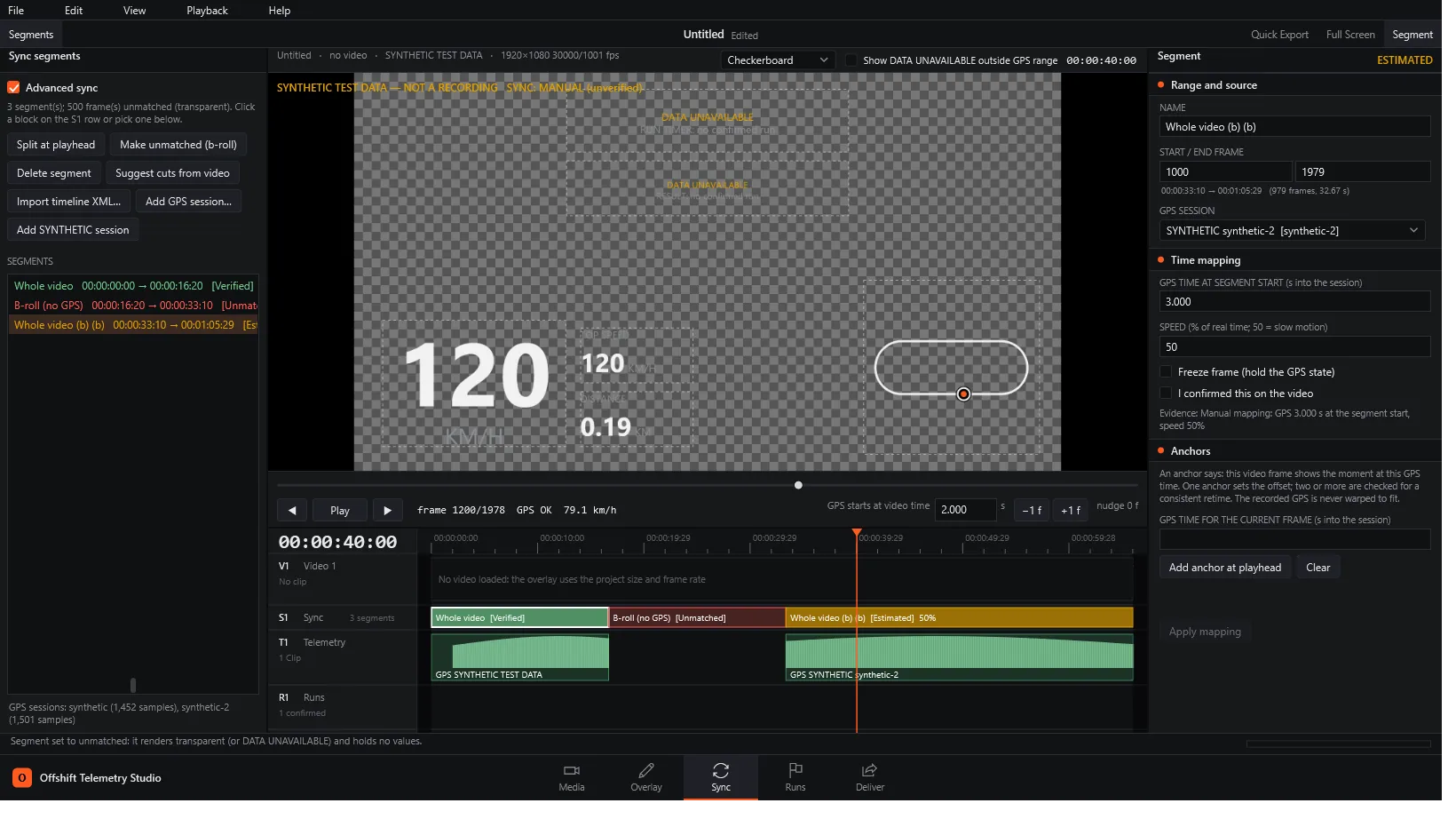
Honest sync
Automatic suggestions are labelled estimates. Anchors, drift and conflicts are shown, and the recorded GPS is never warped to fit.
Official time stays official
Timer and result widgets show GPS timing and an official result as separate labelled lines.
Feature areas
- Import and syncBring in a session and a video, then line them up.5
- Widgets and editingArrange phone-style telemetry over the frame.4
- Runs and resultsTimers, results and official times kept separate from GPS.4
- ExportA transparent overlay that matches your clip.3
- Projects and reliabilityAutosave, relinking and honest limits.2
Before you get excited
Plain limits, up front.
- Tested with synthetic data only. Real Offshift exports and real footage are still to be validated.
- Import into DaVinci Resolve has not been tested.
- Real-time 4K60 export is not reached on the test machine.
- Not a video editor. It produces the overlay and nothing else.