Android
Offshift Telemetry
Lap, sprint and hill climb timing from GPS. On your phone, offline.
In development. Not yet available to download.
What it is
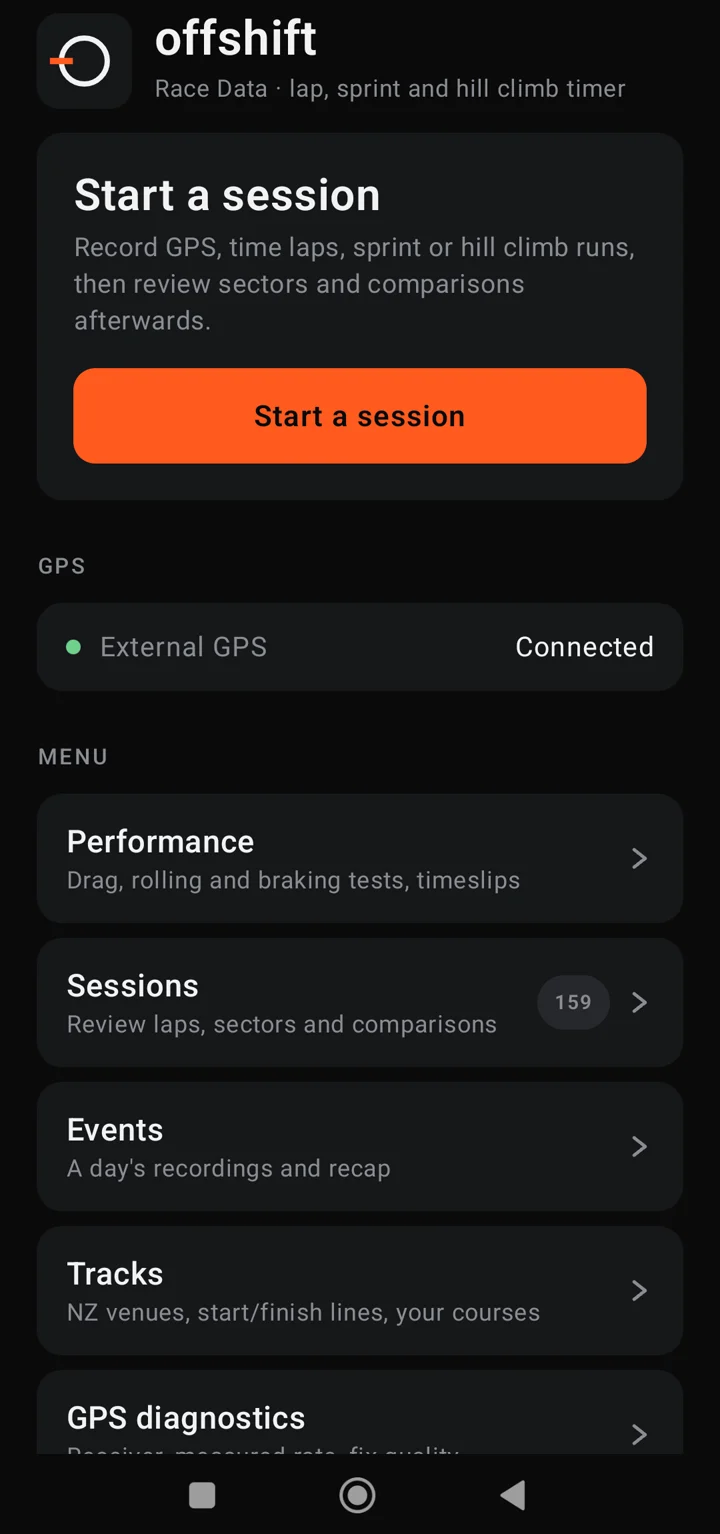
A flat, near-black timing app for closed-course motorsport.
It logs GPS sessions, times laps and sprint runs, shows live delta against a reference, and gives you serious analysis after the session. Everything stays on the phone.
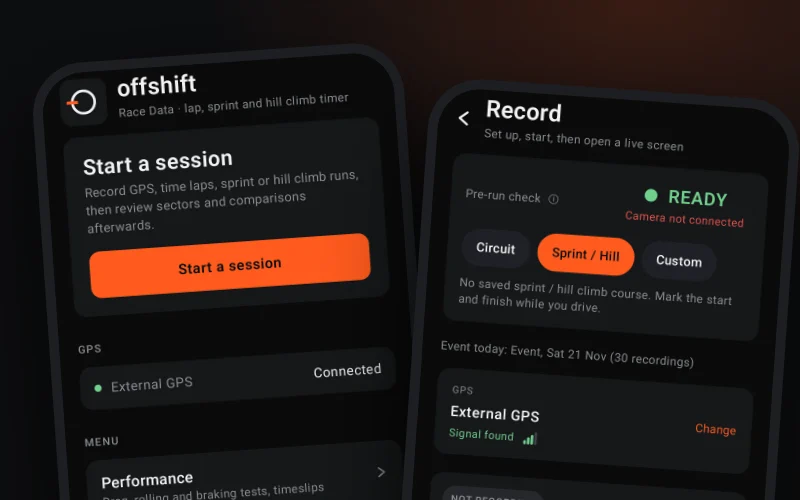
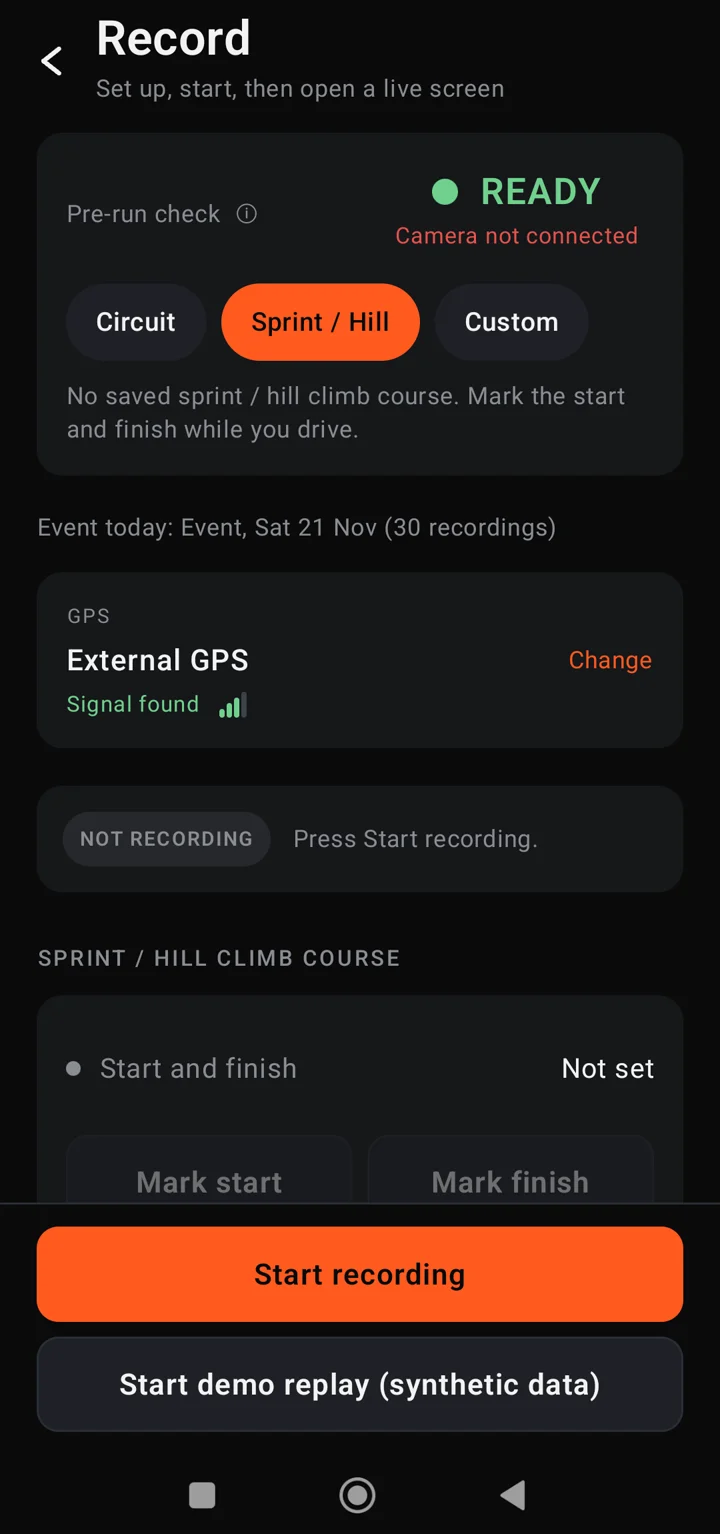
Start a session in a few taps
Press Start a session. The pre-run check says READY or tells you what is missing. Pick Circuit, Sprint / Hill or Custom, confirm your GPS, and start recording. Then open a live screen and drive.
A number you can argue with
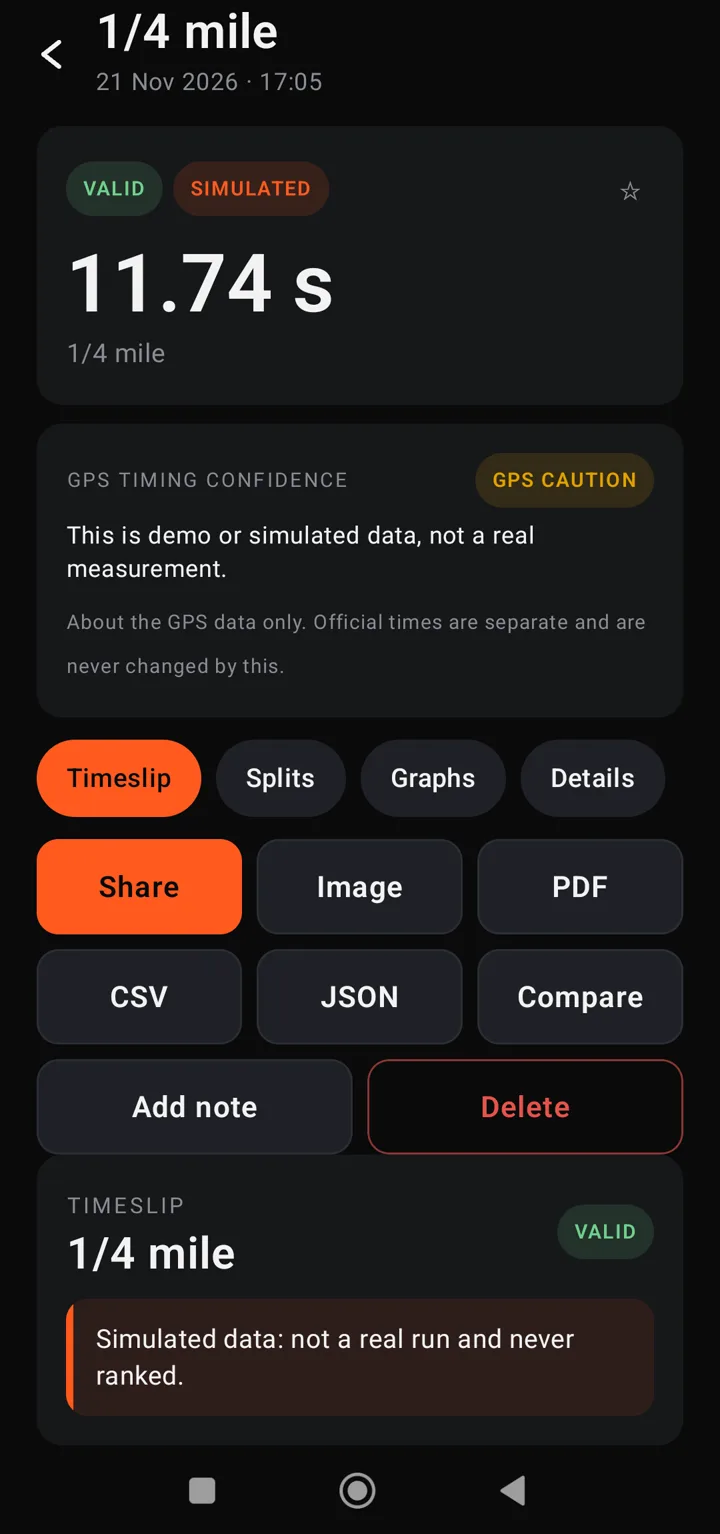
Timing is derived from GPS and says so on screen. Crossings are interpolated, graded and kept. Demo and simulated runs are tagged and never ranked.
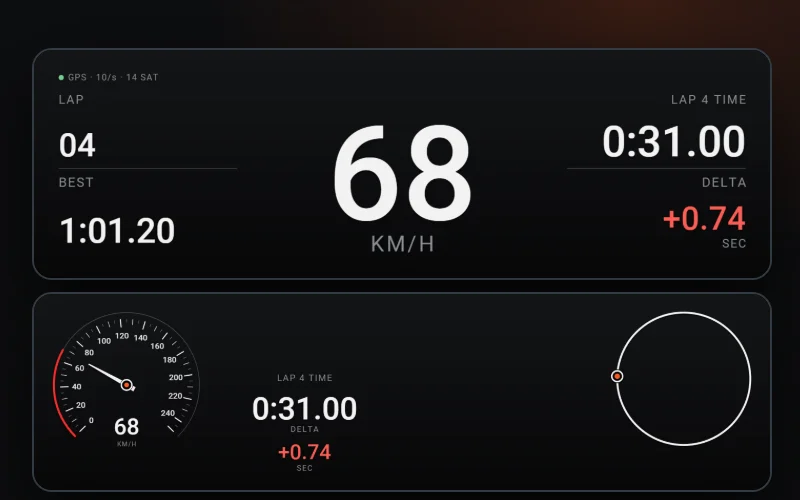
Live screens you read at a glance
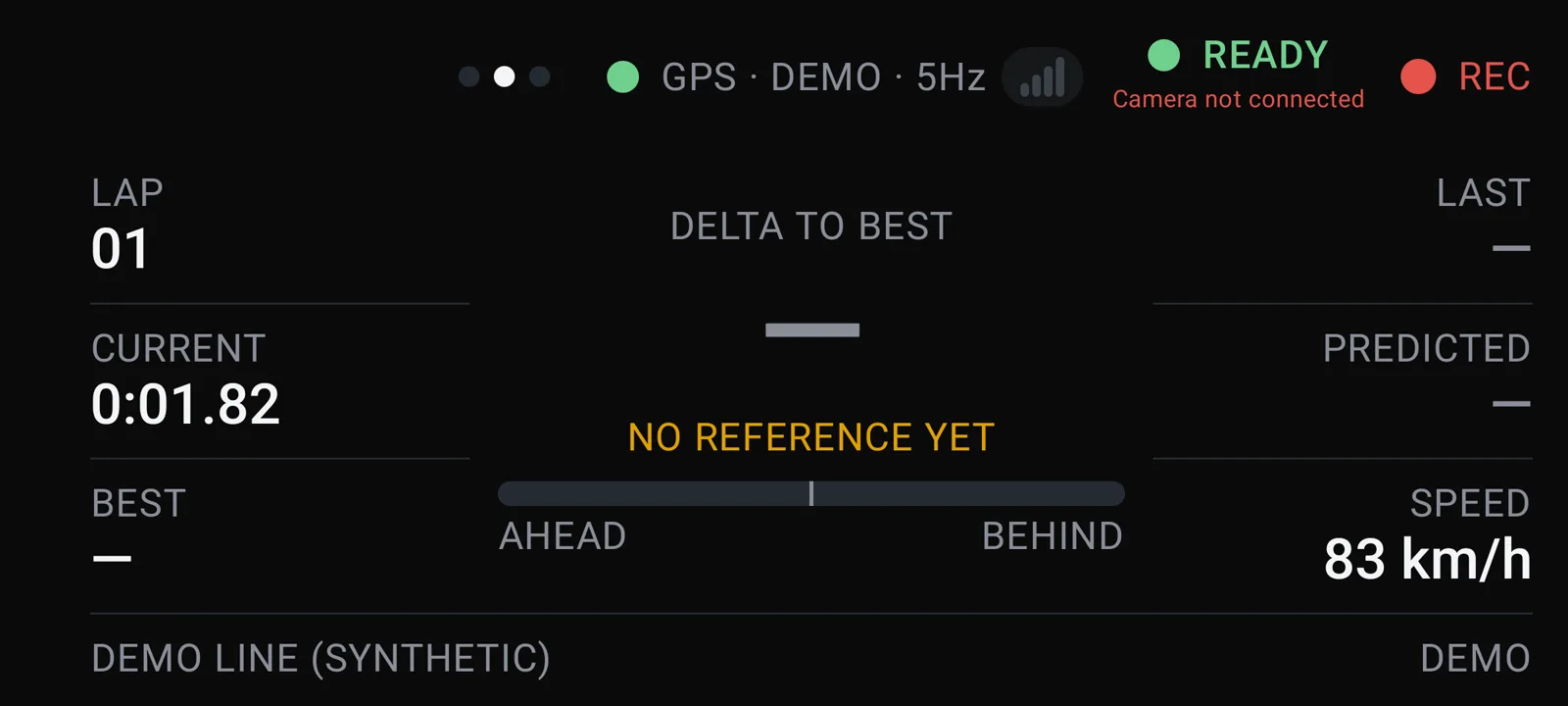
Landscape, read-only and sparse: nothing needs touching while you drive. Each preset has four swipeable pages, and live delta disappears when it cannot be trusted.
Performance, measured automatically
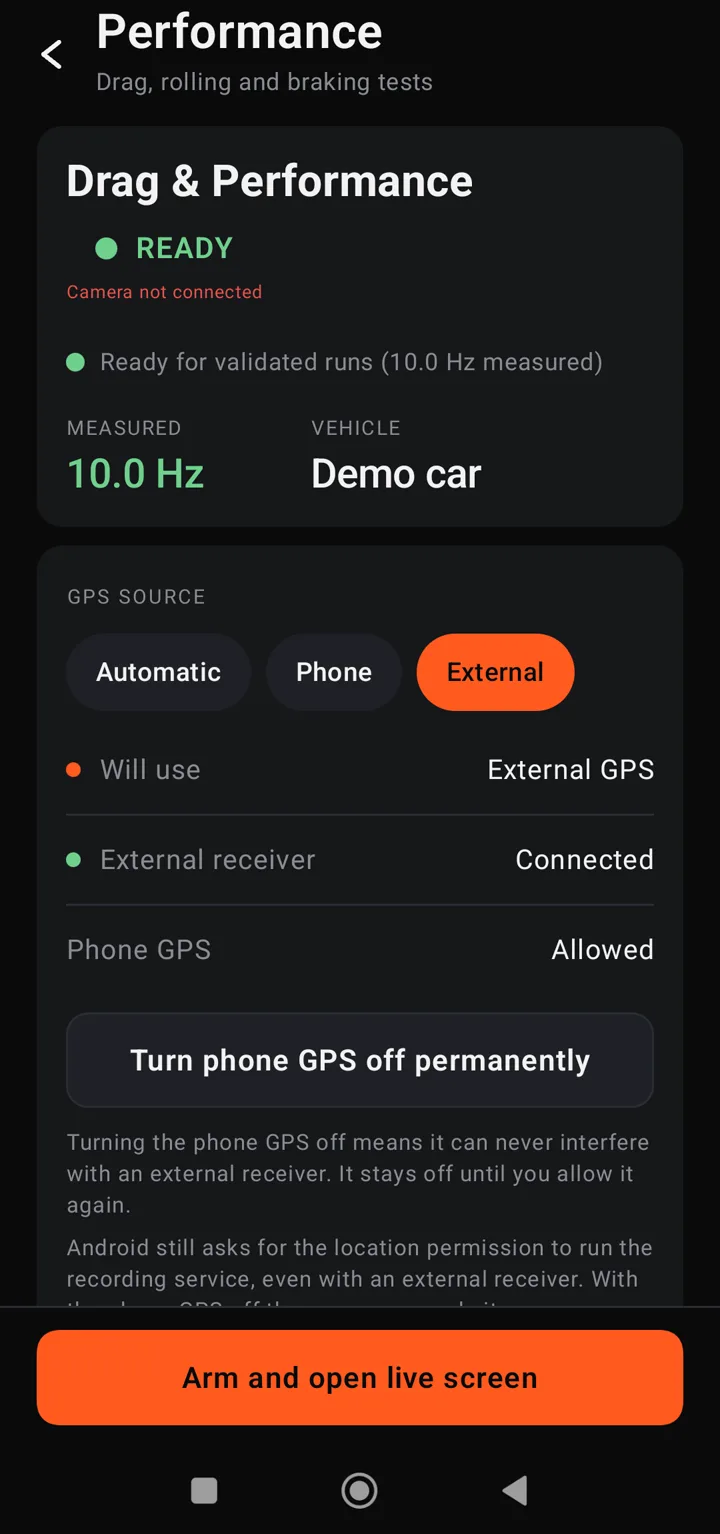
Arm it and drive. Standing and rolling passes are detected on their own and every test the pass reached is measured, with a timeslip you can share.
Venues you can use, and your own
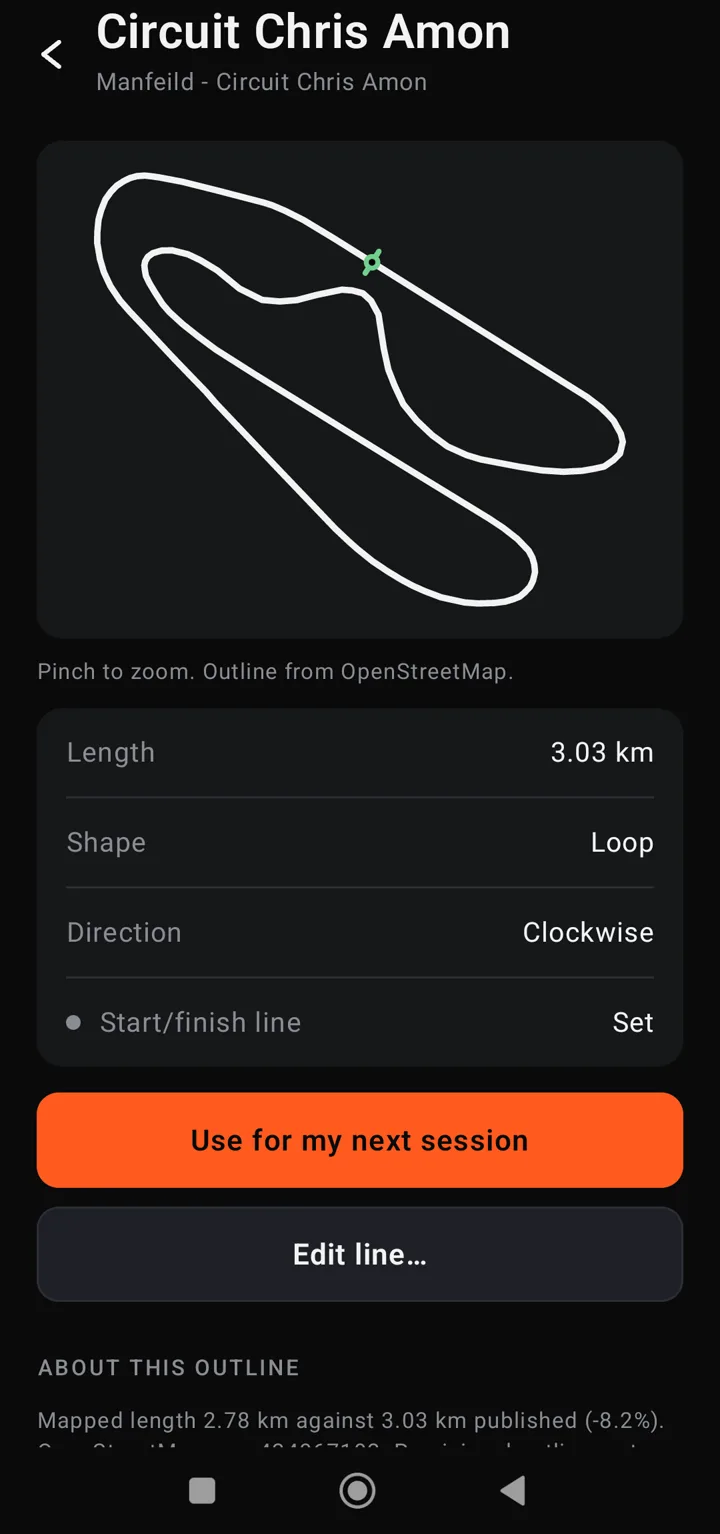
A New Zealand venue library with outlines and start/finish lines, plus courses you build from your own recordings.
Feature areas
- Live screensSparse landscape dashboards you can read at a glance. Nothing on them needs touching while you drive.4
- Timing engineGate crossings, delta and validity rules built to avoid flattering you with a bad number.3
- Sprint and hill climbPoint-to-point courses with splits, runs and run-versus-run comparison.3
- Performance and dragAutomatic standing and rolling pass detection with timeslips.3
- Analysis and exportsLap tables, sector bests, optimal lap, plots and data you can take elsewhere.4
- Tracks and coursesA venue library, start/finish lines, and your own courses.3
- GPS and hardwarePhone GPS or an external receiver, with measured rather than claimed rates.4
- Camera and eventsAction-camera link, footage markers and event-day recaps.4
Before you get excited
Plain limits, up front.
- Not released. There is no download.
- Real-world GPS timing accuracy has not yet been confirmed outdoors, and no accuracy claim is made.
- Vehicle data (OBD) is not implemented.
- Camera control is untested on real hardware.